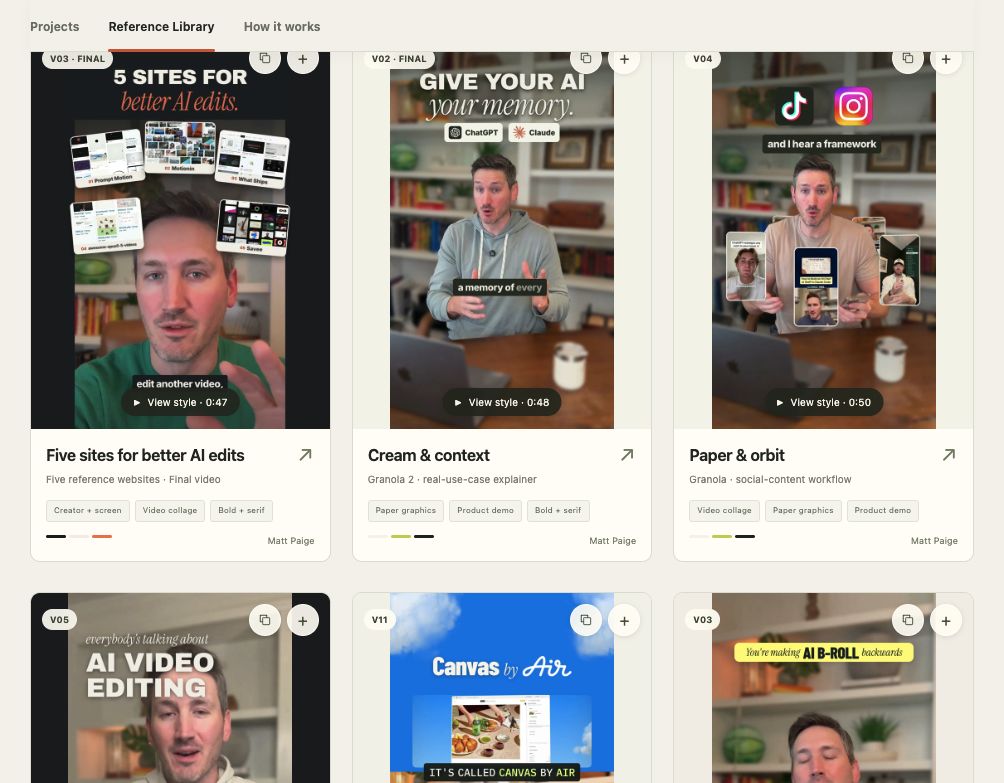
Five sites for better AI editsA real storyboard from my studio · 9 selected scenes
0:48 videoSCENE 010.0–3.3s
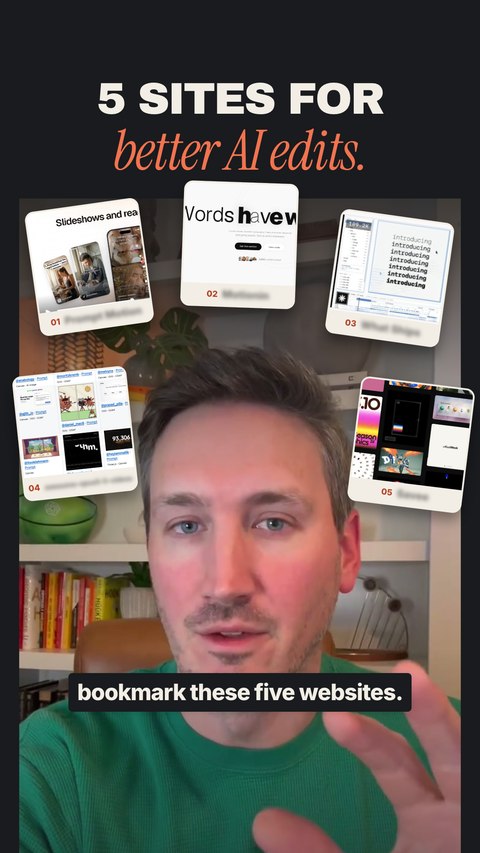
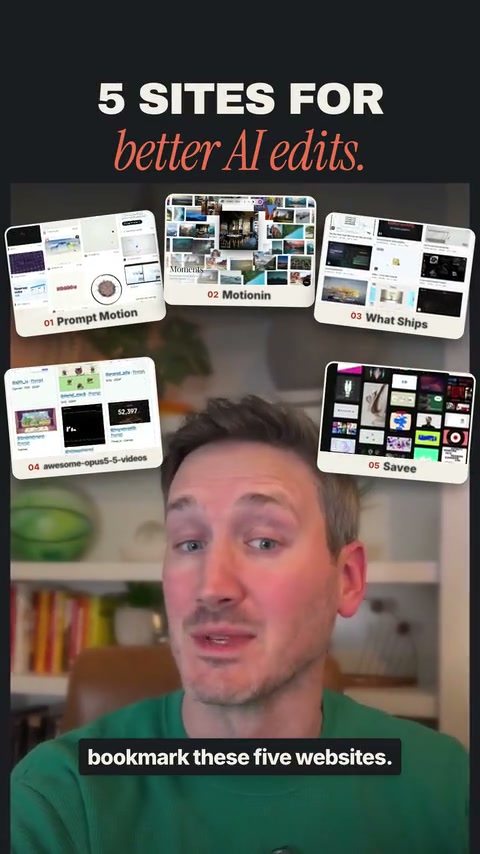
Five previews, one promise
“Before you let Claude or Codex edit another video, bookmark these five websites.”
- Visual
- Five site cards drop around the creator. Keep the face clear.
- Movement
- Stagger the arrivals, then hold the complete wall.
SCENE 036.0–8.7s
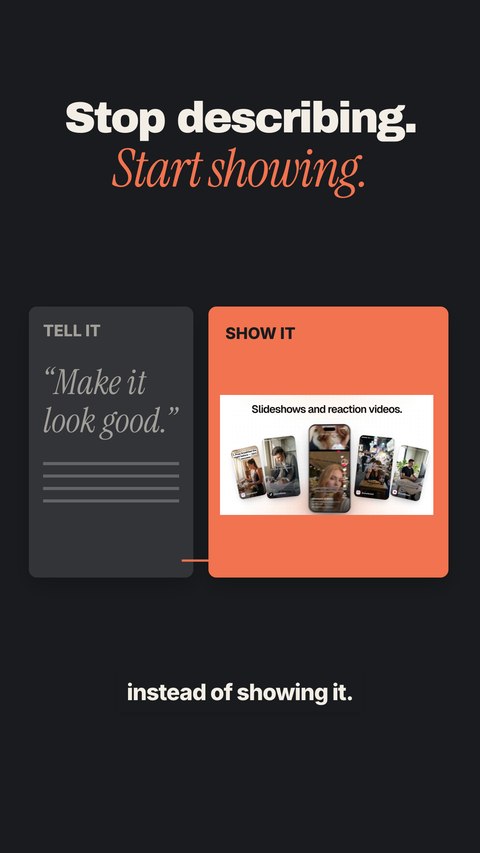
Show it. Don’t just describe it.
“…you’re telling AI what you want instead of showing it.”
- Visual
- Place the real visual reference beside a text-only direction.
- Movement
- Slide the note aside. Give the reference the bigger space.
SCENE 048.7–12.0s

Open a curiosity loop
“And these five websites fix that, and the last one can even connect directly to your AI.”
- Visual
- Tease the fifth site and add an early comment CTA.
- Movement
- Reveal the connection promise before the five-site tour.
SCENE 0512.0–14.9s
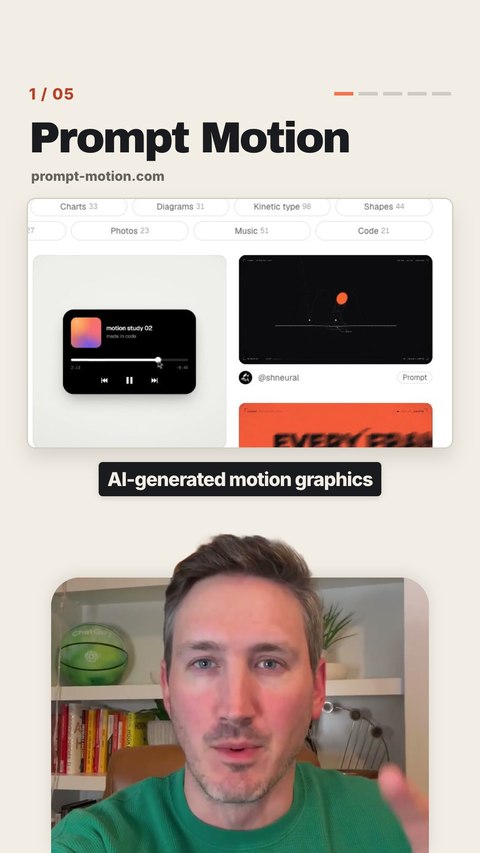
Keep the creator in the picture
“First is Prompt Motion. It’s a massive library of AI-generated motion graphics…”
- Visual
- Show the real site above a smaller creator window.
- Movement
- Let the top of Matt’s head overlap the window edge.
SCENE 0614.9–17.6s
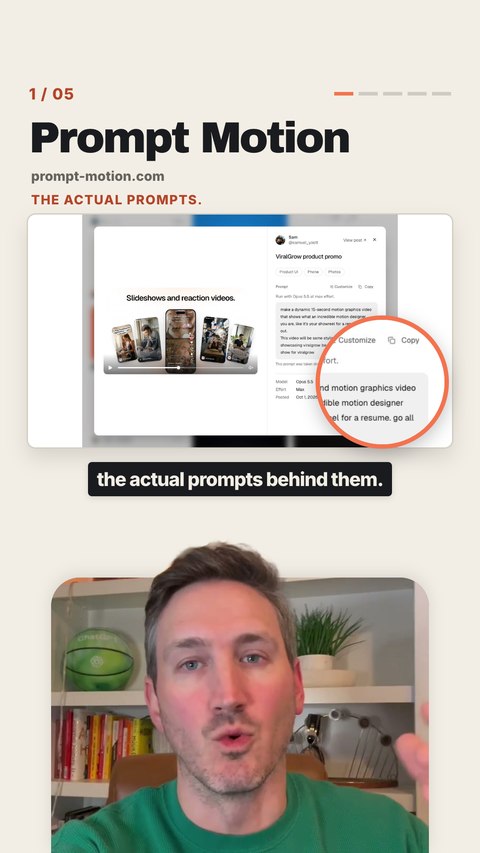
Show the example and its prompt
“…including the actual prompts behind them.”
- Visual
- Focus one real animation, then the prompt behind it.
- Movement
- Move from the gallery into a readable close-up.
SCENE 0717.6–20.7s
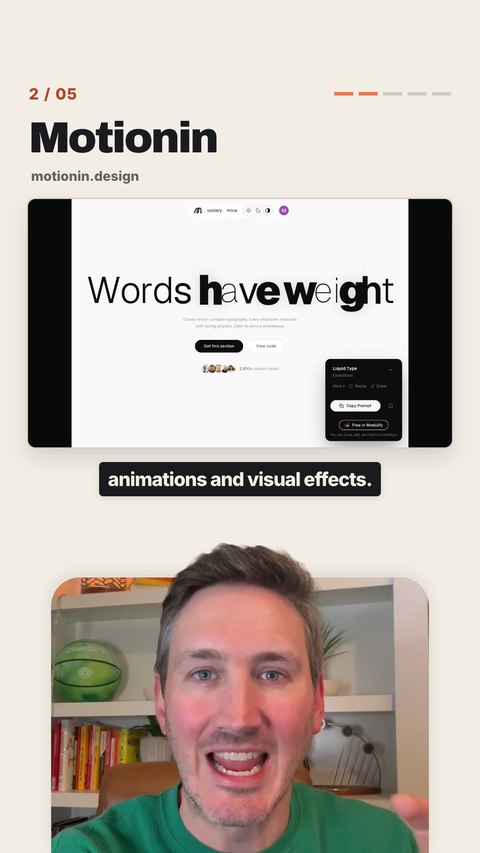
Make the interaction visible
“Motionin has some insane animations and visual effects.”
- Visual
- Show the type changing in response to the cursor.
- Movement
- Start close on the letters, then reveal the wider demo.
SCENE 1132.5–36.1s
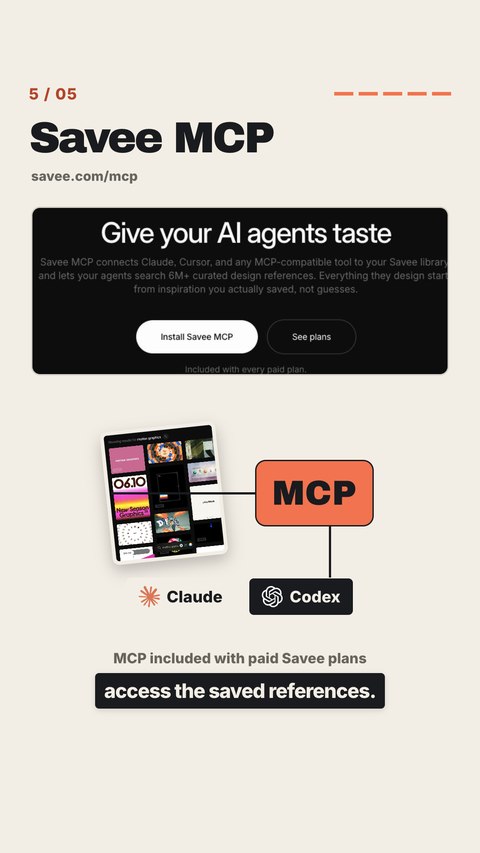
Explain the connection
“And it even has an MCP so your AI can access the saved references.”
- Visual
- Use a simple reference library → MCP → AI diagram.
- Movement
- Bring the saved references together, then connect the tools.
SCENE 1440.6–44.3s
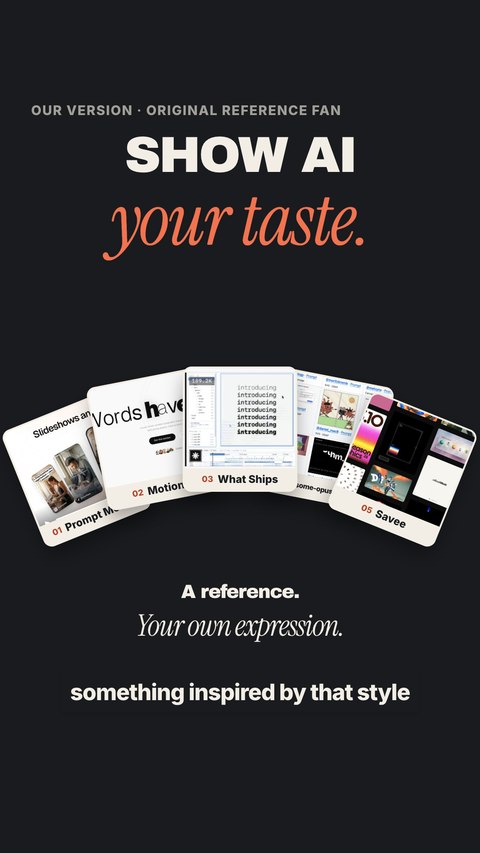
Make an original interpretation
“…and have it create something inspired by that style for your video.”
- Visual
- Fan out our own website cards using our own palette and copy.
- Movement
- Build from one reference into five of our own sources.
SCENE 1544.3–47.7s
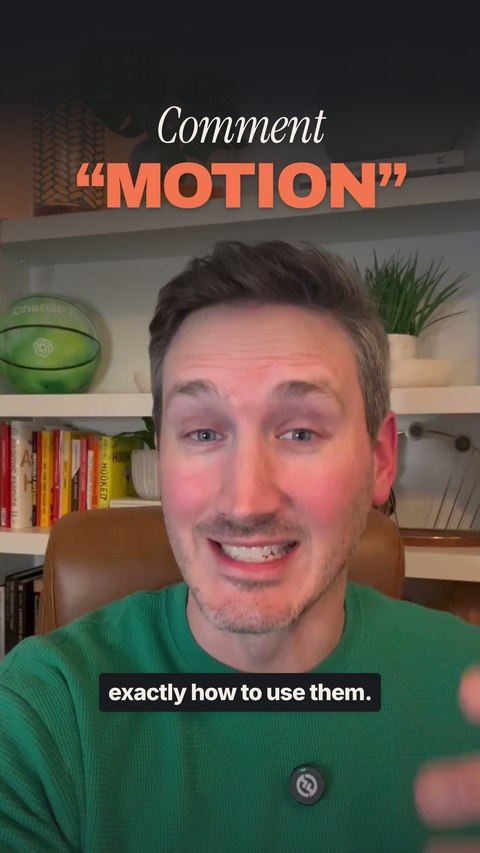
Land the call to action
“And comment MOTION and I’ll send you all five websites and exactly how to use them.”
- Visual
- Return to the creator and make MOTION the dominant word.
- Movement
- A small push-in. End on the keyword and a warm delivery.
 Codex
Codex Claude Code